AgentMoves Team
May 5, 2026
May is when summer movers stop dreaming and start planning. Families with kids on the school clock have a hard deadline. They need to be under contract by late June, closed and moved before August. That urgency is your opening.
This week, your content has one job. Position you as the agent who knows how to land them on the other side of summer with the keys in their hand.
Here is the play.
This Week’s Topic at a Glance
SEO Title: Planning to Buy or Sell in [City] This Summer? Start Here
Thumbnail Text: SUMMER MOVE? READ THIS
Core Keyword: buying selling home summer 2026
Lead Magnet (CTA): Booking Page
Why this topic, this week: May is the transition between the spring listing surge and the summer closing rush. Buyers and sellers with school-year deadlines are searching right now for guidance on timing. Late May and June are statistically the fastest-selling weeks of the year. Content that captures the summer timeline captures the most motivated audience in your market.
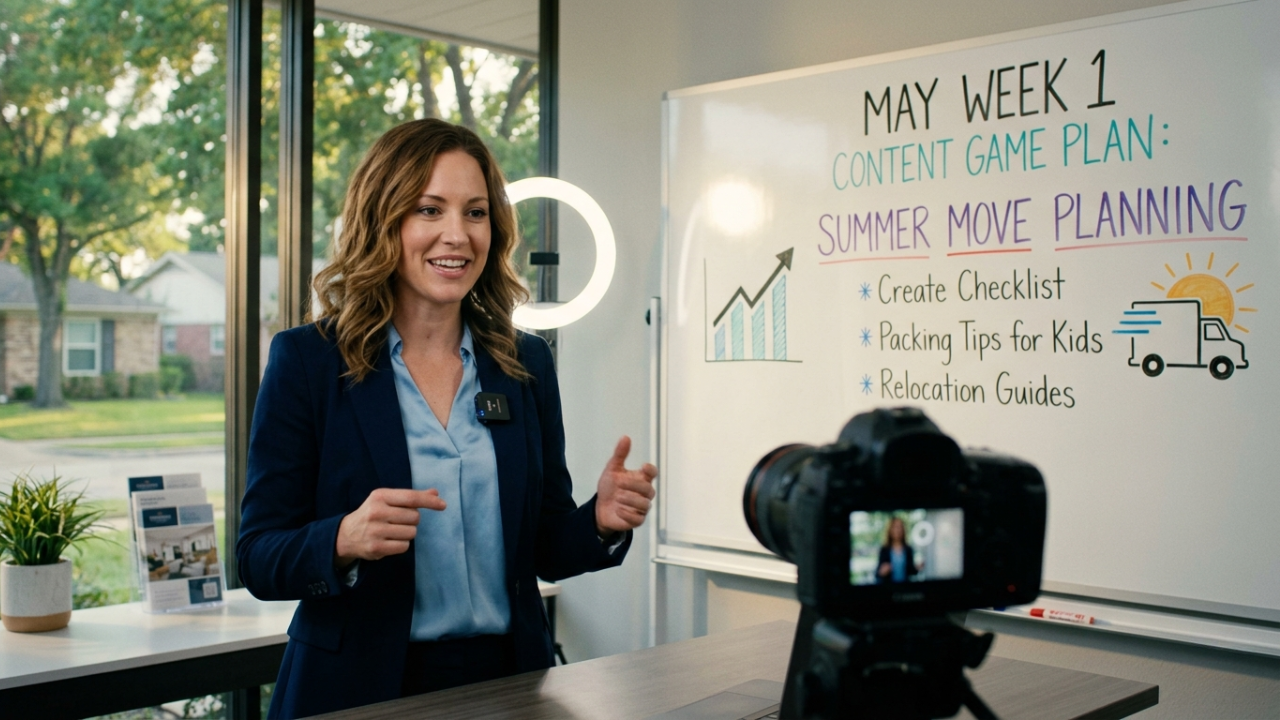
Step 1: Film the Anchor Video (Monday)
This is the only original content you create this week. Everything else gets repurposed from it using AI.
The question to answer on camera:
If someone wants to buy or sell a home and be settled before the school year starts in August, what is the timeline they need to follow starting right now?
Filming notes:
- Length: 8 to 15 minutes
- Walk through the timeline week by week (offer to close windows, inspection timing, mortgage approval, packing, school enrollment cutoffs)
- Show your calendar or a simple whiteboard if it helps
- Speak to both buyer and seller scenarios, but pick one as your primary audience for the CTA
Film Monday. Publish Monday. Drop the link in your Facebook Group the same day.
Step 2: Turn the Video Into a Blog Post (Monday or Tuesday)
Once the YouTube video is live, the same story becomes your blog article. AI does the heavy lifting. You polish.
What to do:
- Run your video transcript through AI with this prompt: “Rewrite this as an SEO-optimized blog article for a real estate agent in [City]. Use H2 headings for each major step. Add a short FAQ section at the end. No em-dashes.”
- Keep the same SEO title as your video
- Add 2 to 3 internal links (to your Seller Quiz, Neighborhood Quiz, or Booking Page)
- Embed the YouTube video at the top of the post
Why this matters: Google indexes the text on your blog, not the words inside your video. The blog is what makes you findable when someone in your market types “buying a house this summer in [City]” into Google six months from now.
Publish to your AgentMoves website Monday or first thing Tuesday so the RSS feed catches it.
Step 3: Repurpose for Substack (Tuesday)
Substack is your owned newsletter. Different audience, different angle.
The blog version is “how to plan a summer move.” The Substack version is “what this summer’s market means for someone planning a move in [City].”
What to do:
- Take the same core content and rewrite the lead with a local market lens
- Pull in one or two stats from your most recent market update (median days on market, sold-to-list ratio, current inventory)
- Add a personal observation: a listing you saw this week, a buyer conversation, a trend you noticed at an open house
- Keep it shorter than the blog (600 to 900 words is the sweet spot)
Subject line ideas:
- The summer move math nobody is doing
- Want to be moved in by August? Here is the timeline
- The hidden deadline for [City] summer movers
Publish Tuesday. Substack auto-shares to LinkedIn the same day.
Step 4: Email Your Database (Tuesday, Automated)
This step runs itself. The RSS feed inside AgentMoves fires your blog post to your full database every Tuesday morning.
You do not need to write a separate email. You do need to make sure your blog post has a strong opening paragraph, because that is what shows up in the email preview.
Quick check before Tuesday morning:
- Does the first line make someone want to open?
- Is the CTA button visible above the fold on mobile?
- Does the featured image look good as an email header?
That is it. The email goes out automatically.
Step 5: Cut Three Short Clips for Social (Tuesday)
Three clips run Wednesday, Thursday, and Friday. Use Opus Clips, Captions.ai, or VEED to pull them from your long-form video.
For this week’s topic, look for these moments in your footage:
- The deadline shock. The exact moment you say “if you want to be moved before school starts, you actually need to be under contract by [date].” That punch is the hook.
- The mistake most people make. A 30 to 45 second clip on the one thing summer movers underestimate, inspection delays, mortgage timing, finding a rental during the gap, whatever landed best on camera.
- The fast-action play. Your direct advice to someone starting today. “If you came to me this week, here is what we would do first.” High energy, ends with a clear CTA.
Schedule all three Tuesday. They auto-publish through the rest of the week.
The CTA This Week
Every piece of content this week drives to one place: your Booking Page.
This topic is time-sensitive. The audience watching is on a deadline. They do not need a quiz. They need to talk to you.
In your YouTube description, blog CTA, Substack footer, and short clips, the message stays consistent:
If you are planning a summer move in [City], book a 15-minute call. We will map your timeline so you are not scrambling in July.
Match your CTA to the topic. Every week, the lead magnet shifts based on where the audience is in their journey:
| Content Type | Best CTA |
|---|---|
| Seller education (summer selling, staging, pricing) | Seller Quiz or ROI Analysis |
| Buyer or relocation (moving to [City], first-time buyer, neighborhoods) | Neighborhood Quiz |
| Market update (monthly stats, mid-year reviews) | Booking Page |
| Equity, recession, or “buy now” | Booking Page |
| Comparison or decision (new construction vs existing, rent vs buy) | Booking Page or Neighborhood Quiz |
| Time-sensitive deadline (summer move, end-of-year closings) | Booking Page |
No booking page or lead magnet yet? That is OK. Do not let a missing funnel stop you from publishing. Use one of these instead:
- Drop your number. “Text me at [number] and I will send you the timeline I use with my summer clients.” Direct, human, converts faster than a form.
- Offer a free home value report. “Want to know what your home would sell for in this market? Reply HOME and I will run the numbers for you this week.”
- Offer a 15-minute consult. “Send me a DM or text and we will hop on a quick call to map your move.”
Pick one, use it consistently across all five outputs this week, and build the lead magnet later. Published content with a phone number beats unpublished content with a perfect funnel every time.
What Success Looks Like This Week
You will not see explosive results from one week of content. That is not how the flywheel works. By Sunday, here is what should be live:
- One YouTube video published
- One blog post indexed and live on your site
- One Substack edition out
- One email delivered to your database (automatically)
- Three short clips on Reels, Shorts, and TikTok
- A handful of new visits to your booking page
Stack 12 weeks of this and you are no longer hoping for leads. You are sitting on a content engine that finds them for you.
That is the play. Hit record Monday. Let the system do the rest.
How to Use This Template Each Week
Swap these elements for each weekly topic from your 12-Week Content Calendar:
| Section | What Changes Each Week |
|---|---|
| Title and intro hook | Pull from the week’s research rationale. Match the seasonal “why now” angle. |
| Topic at a Glance | SEO Title, Thumbnail Text, Core Keyword from the calendar. |
| On-camera question (Step 1) | Use the SMS Prompt verbatim or lightly edited. |
| Substack subject line ideas (Step 3) | Reframe through a local market lens. |
| Three clip ideas (Step 5) | Use the same pattern: hook moment, biggest mistake, fastest action a viewer can take. |
| CTA | Match the lead magnet to the audience using the reference list above. |
Share this article